How to take product photos for Tira?
Get the brief from your Tira category manager, shoot to premium beauty standards, and stay comfortably above whatever resolution the brief names.
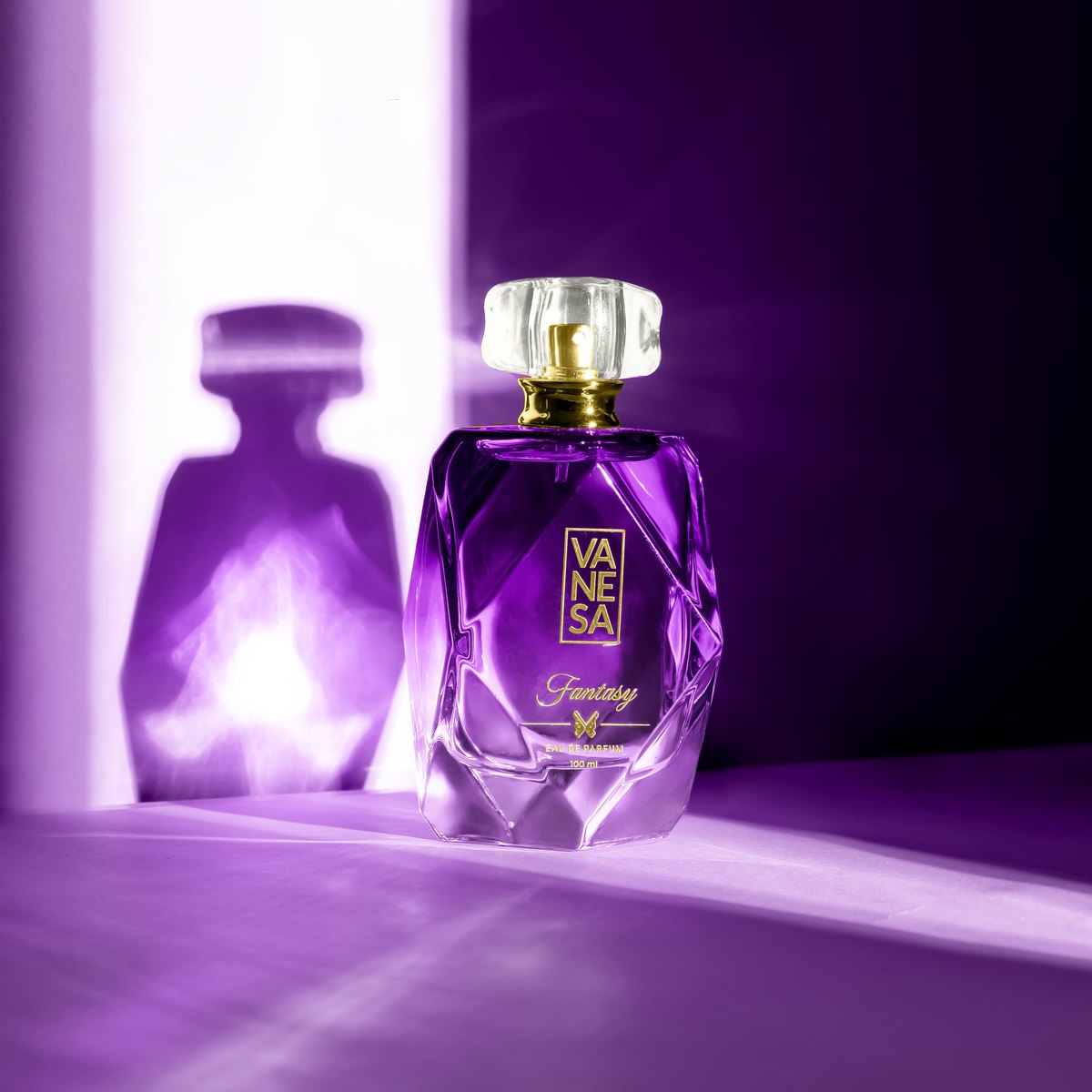
Start by getting the brief from your category manager. Tira runs its image spec through category teams rather than a public seller portal, and it changes by category, so that one email is worth more than any published guide. Ask for it before you book a shoot, not after.
What does not vary is what premium beauty photography requires. Clean backgrounds, several angles per product, accurate shade rendering, and model or application frames for anything that goes on skin. That work is identical whether the listing lands on Tira, Nykaa or your own site.
Onboarding tends to ask for the full range rather than a few hero SKUs, so plan a complete catalogue rather than a sample. Shooting only for Tira also means paying again the first time you list elsewhere, which is avoidable by cutting the assets for more than one destination at the time.
The practical approach: get the brief, shoot to premium beauty standards, and take delivery of the raw frames so the same session can be recut when the brief changes or another channel opens.
Our Tira photography is built around that, and Nykaa covers the same category where a published spec does exist.