How to take product photos for Swiggy Instamart?
Shoot the pack clean and legible at tile size, and for edible products show the food as well as the packaging, because the buyer is browsing rather than fetching.
Swiggy issues the Instamart image brief through the category team that onboards your brand. Get that document, shoot to it, and stay above the resolution it names.
The useful difference is not technical. It is who is looking. A shopper on a dedicated grocery app is usually working down a list they already had in their head, and your image only has to help them find the thing they already decided to buy. A shopper on Instamart is often inside the Swiggy app for another reason entirely, having just ordered food or thought about ordering it, and is browsing.
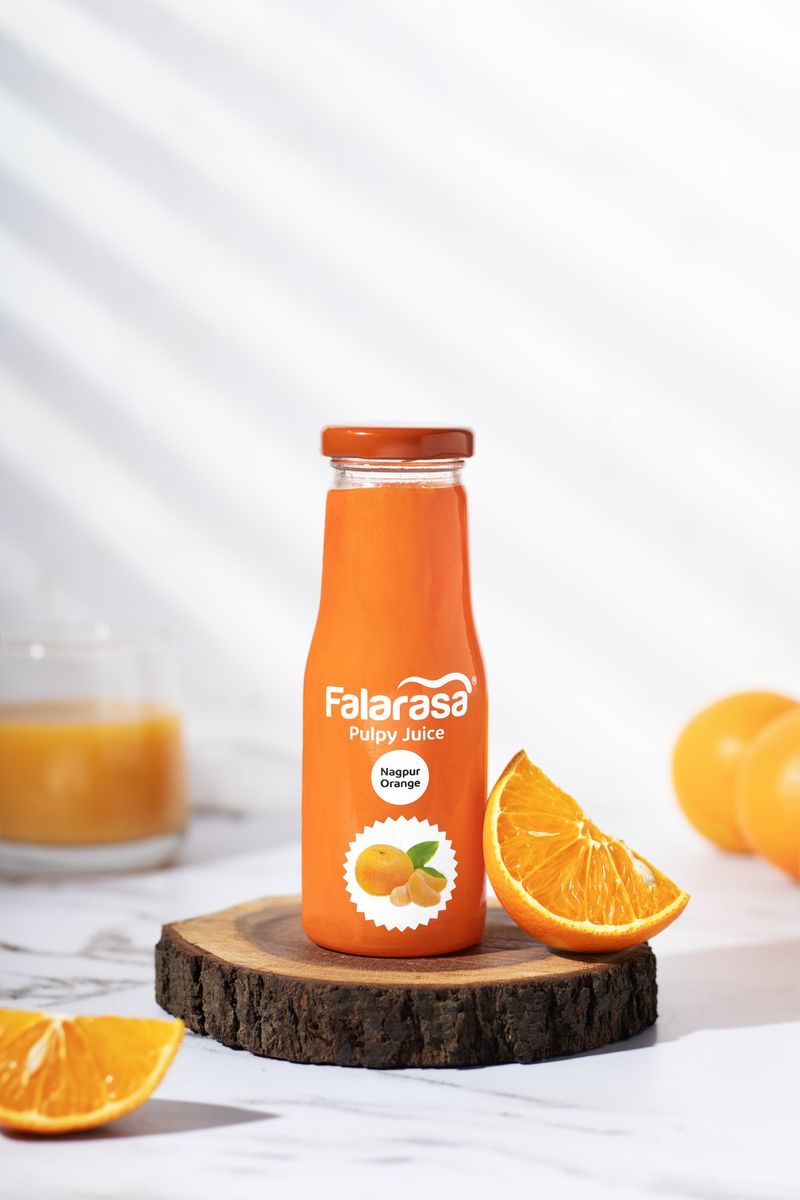
For anything edible that shifts part of the job from identification to persuasion. A pack shot with the actual food in frame does more work than the pack alone: biscuits out of the sleeve, condensation on a cold bottle, a ready meal plated. On a list-driven platform that is decoration. Here it is the reason someone adds an item they were not looking for.
There is a limit and it is worth stating plainly. Styling the food well is fair. Styling it into something that does not come out of the pack is a reviews problem, and on a platform where the same household reorders every week, a bad first order costs more than the sale it won.
For non-food items on Instamart, none of the above applies and the plain rules take over: white background, pack filling the tile, variant legible at small size, whole range shot in one consistent setup.
Our Instamart photography covers packs and food in one session, and the food and FMCG work shows both.