How to take product photos for Myntra?
Portrait orientation, model or ghost mannequin for garments, and enough resolution that fabric and stitching survive a zoom.
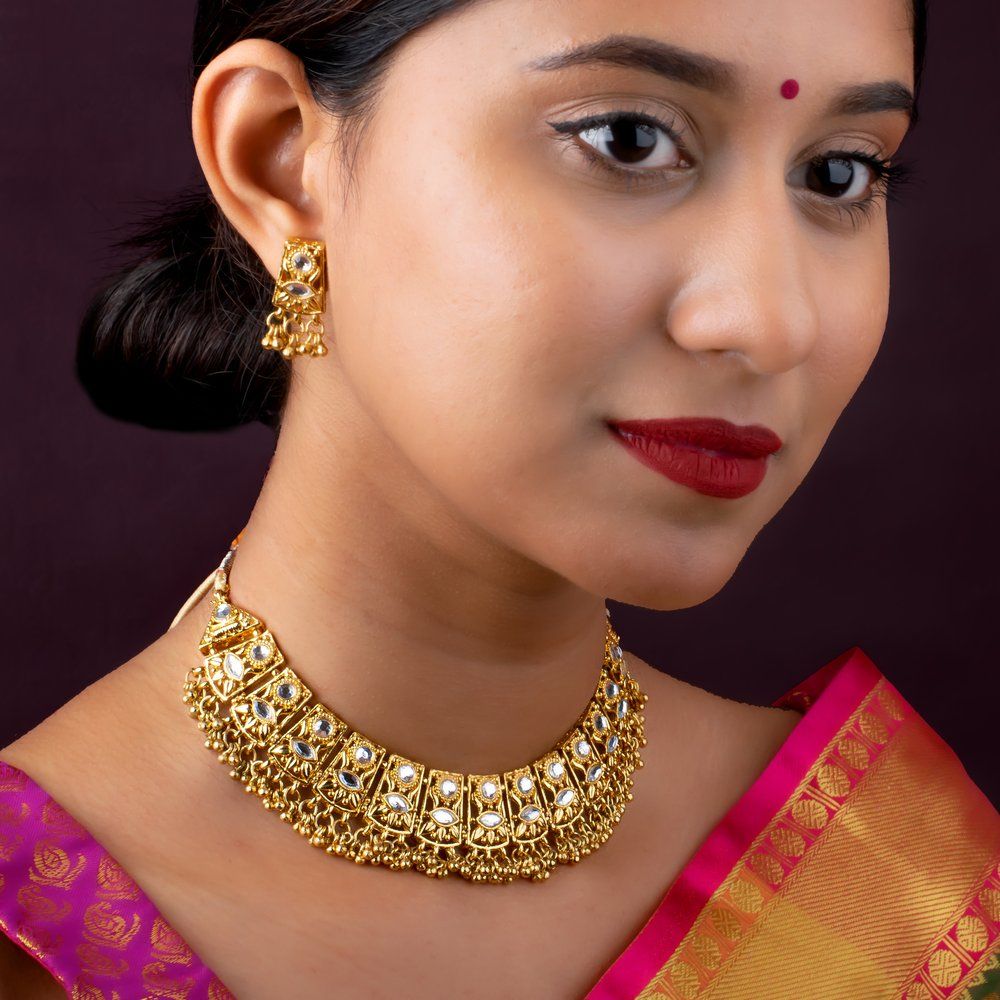
Myntra buyers are judging fit, drape and fabric. A flat pack shot answers none of those, which is why model and ghost mannequin work carries listings here in a way it does not on a general marketplace.
Portrait follows from that. A vertical frame holds a garment on a body; a square one crops it. If you also sell on Meesho, which wants square, plan for two crops from one shoot rather than trying to reuse one image, and decide that before the model is booked.
Fabric is the part that separates a good Myntra shoot from a cheap one. Texture and weave need light that rakes across the surface rather than flattening it, and true colour matters because a buyer receiving a different shade than they saw is a return.
Colour consistency across a size or shade run is the other discipline. One lighting setup held constant across the whole range, checked against the physical garment rather than the screen. A run that drifts looks like it was shot on different days, because it was.
Doing this properly needs a model, a stylist and controlled light, which is where DIY usually stops being realistic. Our Myntra photography covers casting and styling in-house.
Myntra photoshoot requirements
These are the image rules Myntra lists for sellers, as published in the Myntra listing documentation on Fynd. Myntra updates them, so check the live rules in your Myntra partner portal before you book a shoot.
- Size and format: JPEG only, between 500 KB and 1 MB.
- Dimensions: 1080 x 1440 pixels or more, 72 dpi or more, at a 3:4 aspect ratio.
- Background: white or light grey. Apparel needs a light grey background with a soft shadow, and white is not accepted for apparel.
- Apparel angles: front, side and back are mandatory. A pattern or embroidery detail goes in its own image, not a crop of another one.
- No price tags, stickers, text or watermarks in the image, and no cropped, stretched or elongated images.
- Garments must be ironed with no creases, and the model must wear the size properly, not a loose or very tight fit.
- Accessories: leave a 1 to 2 inch gap around sunglasses and 4 to 5 inches around other accessories. Makeup needs at least 2 images.
- Footwear: right-leg shoe only, with front, back, side, angled and detail shots.
Why Myntra listings get rejected
- Blurred, pixelated or out-of-focus areas on the product.
- A white background on apparel, where Myntra asks for light grey with a soft shadow.
- Creases, folds or hands covering the product's key detail.
- Hard lighting that shifts the colour of the fabric.
- Text, stickers, tags or watermarks left in the frame.
Frequently asked questions
What size should Myntra product images be?
Myntra's listed rule is 1080 x 1440 pixels or more at a 3:4 portrait ratio, JPEG only, between 500 KB and 1 MB. Check your Myntra partner portal for the current rule before you shoot.
Does Myntra accept a white background?
For apparel, Myntra asks for a light grey background with a soft shadow and does not accept white. Other categories can use white or light grey.
How many images does Myntra need per product?
Apparel needs front, side and back views, plus a separate image for any detail such as embroidery. Footwear needs front, back, side, angled and detail shots. Makeup needs at least 2.
Can you shoot for Myntra?
Yes. We shoot Myntra listings at our Thane studio, in portrait format with model or ghost mannequin work. You courier the products in and we send the files back. See our Myntra product photography.